 Shortcut Actions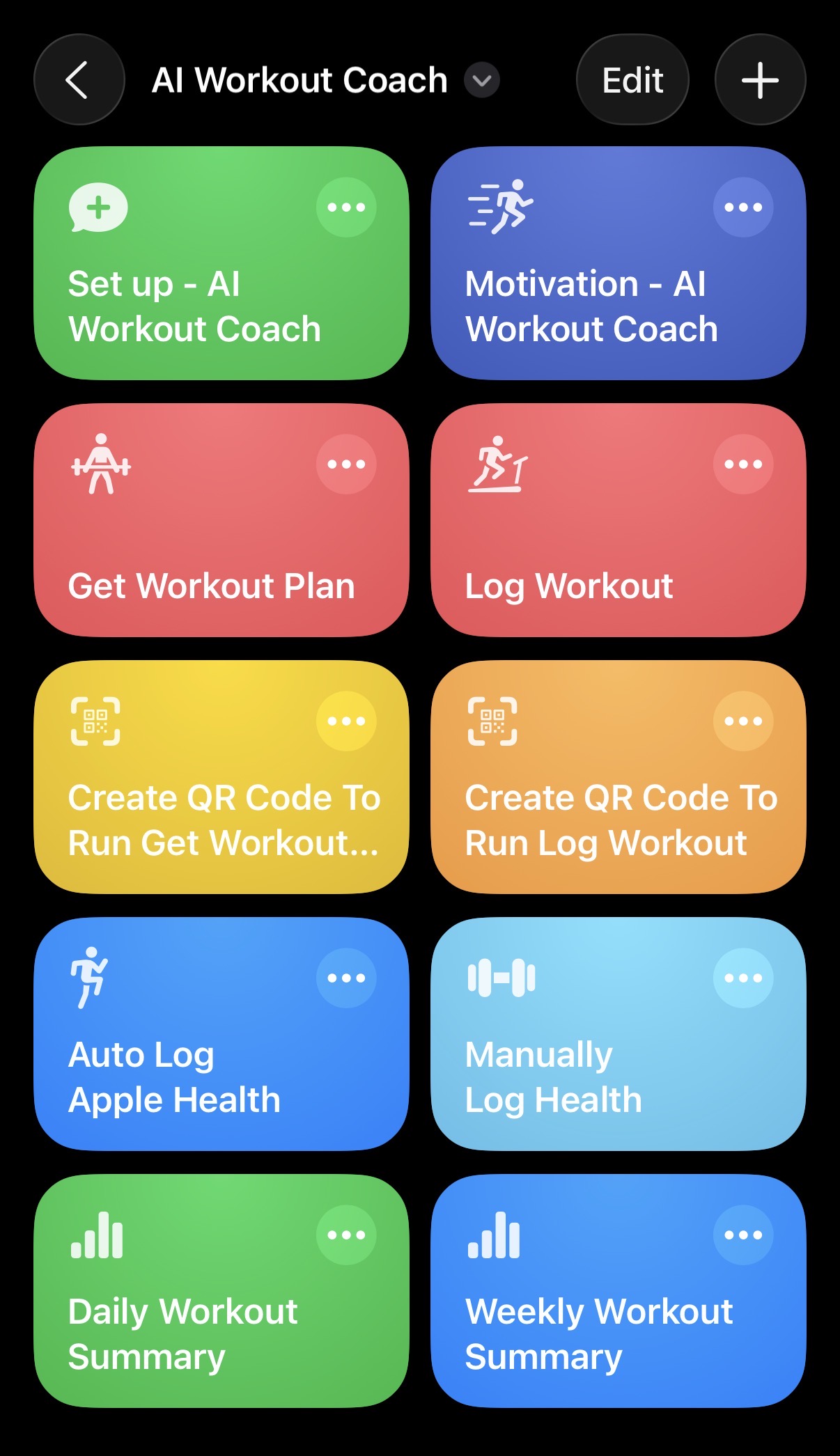
5 min read
How to Create an AI Workout Coach Using Apple Shortcuts
By Shortcut Actions Team
|Published Thursday, January 8, 2026
Personal trainers charge $50-150 per session. Fitness apps give you the same generic workouts as everyone else. But what if your iPhone could be your personal AI trainer-one that knows your goals, tracks your progress, and adapts to your schedule? With Apple Shortcuts and the AI Chat feature in Shortcut Actions, you can build exactly that in about 10 minutes.
What Your AI Coach Can Do
This isn't a basic chatbot. Your AI workout coach can:
- Generate personalized workout plans based on your fitness level, goals, and available equipment
- Track your progress and celebrate when you hit new personal records
- Provide recovery guidance using real data from Apple Health (sleep, heart rate, activity)
- Send daily motivation and keep you accountable
- Adapt to your life with location triggers, time-based automations, and hands-free operation
The secret sauce? The AI remembers your entire fitness journey. Every workout you log, every PR you hit, every rest day you take-it's all part of an ongoing conversation that makes your coach smarter over time.
How It Works
The system combines three powerful tools: AI Chat (the brain), Apple Shortcuts (the automation engine), and Apple Health (the data source). You'll create a series of Shortcuts that automatically send your health data and workout logs to an AI conversation, which maintains context across all your interactions.
Quick Setup Guide
Step 1: Set Up Your Coach Profile
First, create a Shortcut that introduces you to your AI coach. This is where you tell it about your fitness goals, experience level, and preferences.
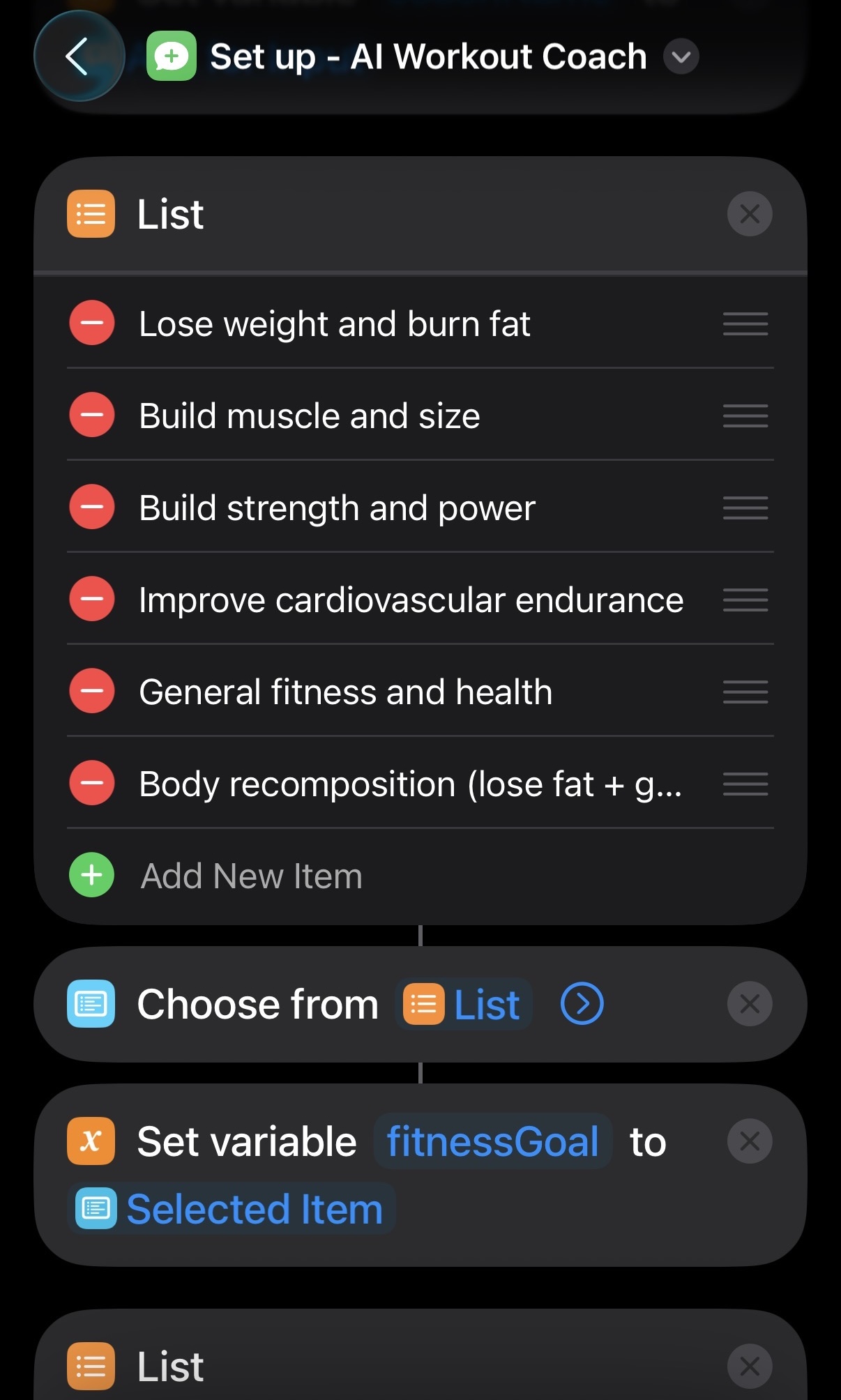
The setup Shortcut uses the Create AI Chat action to start a new conversation with a detailed system prompt that defines your coach's personality and expertise. You'll answer questions about your goals, available equipment, workout schedule, and any limitations.
Pro tip: Give your coach a name! "Coach Alex" or "Trainer Sam" makes the experience more engaging. The AI will actually respond as that persona.
Step 2: Connect Apple Health Data
Your coach is only as good as the data it has. Create a Shortcut that automatically logs your daily health metrics to the AI conversation.
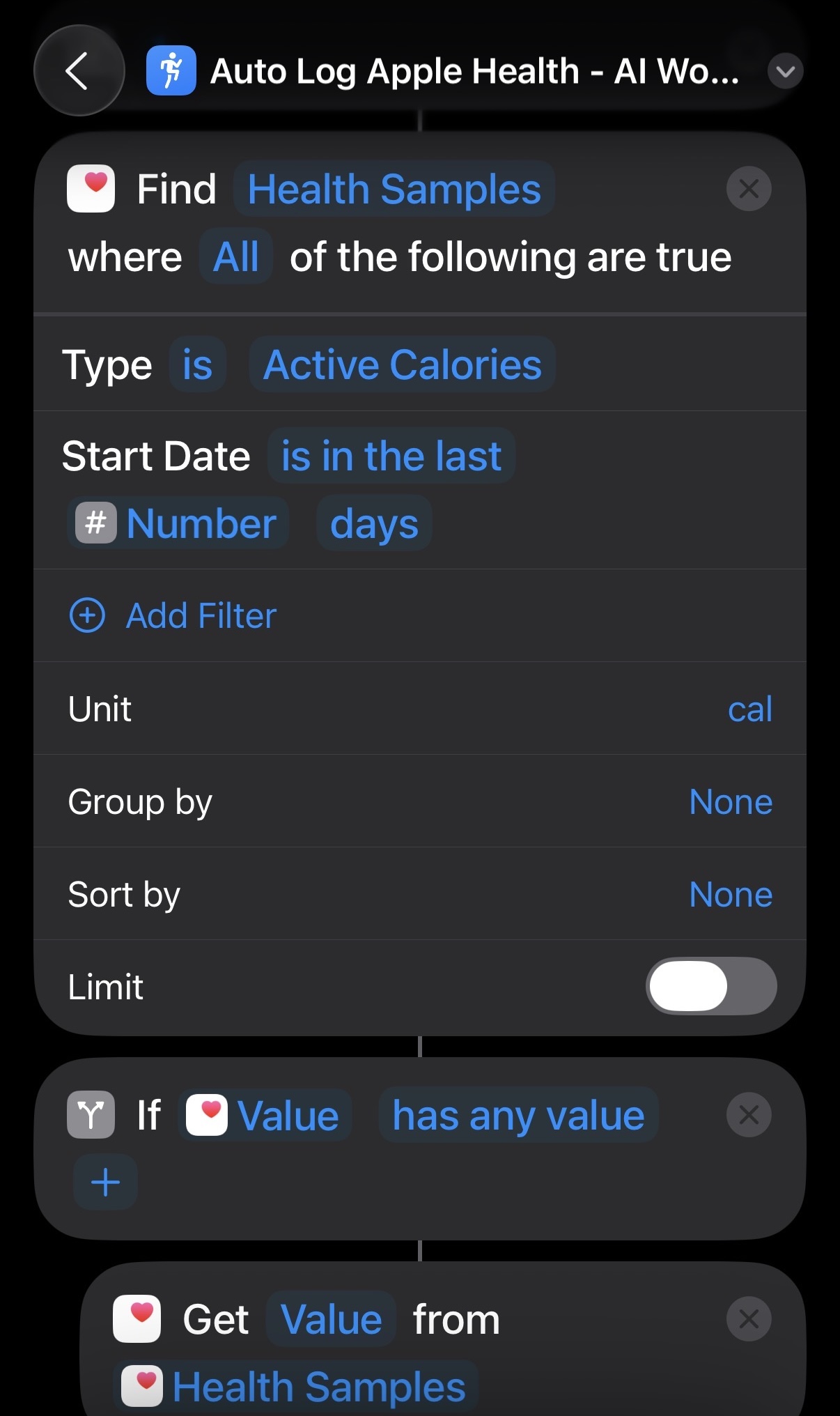
This Shortcut pulls data from Apple Health-sleep hours, resting heart rate, active calories, step count—and sends it to your coach using the Send AI Chat Message action. Set it to run automatically each evening via Shortcuts Automation.
With real health data, your coach can say things like: "I see you only got 5 hours of sleep last night. Let's do a lighter recovery workout today instead of the planned HIIT session."
Step 3: Add Workout Triggers
Now the fun part: automating when your coach shows up.
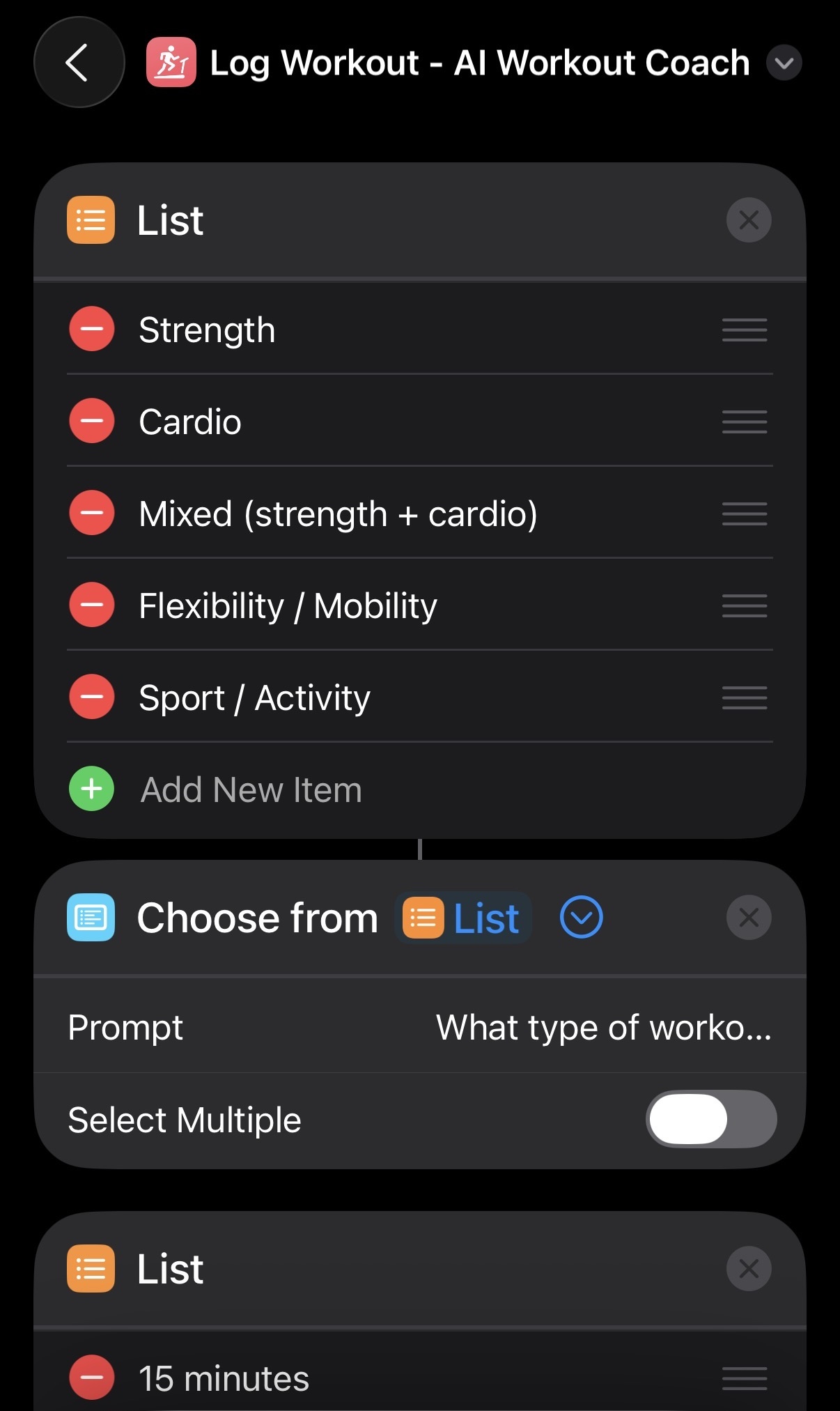
Create Shortcuts for:
- Getting your workout plan - Run manually or trigger when you arrive at the gym (location automation)
- Logging completed workouts - Record exercises, sets, reps, and how you felt
- Daily/weekly summaries - Get progress reports and upcoming recommendations
You can trigger these with:
- Location: Automatically get your workout when you arrive at the gym
- Time: Morning motivation at 6 AM, evening summary at 9 PM
- NFC tags: Tap your phone on a tag in your gym bag to start
- QR codes: Scan a code posted at your workout station
See It In Action
Here's what an interaction looks like:
You arrive at the gym → Location triggers "Get Workout Plan"
"Good afternoon! Based on your push/pull/legs split, today is Pull Day. I noticed you've been hitting back exercises hard lately-great consistency! Here's today's workout:
- Deadlifts: 4x5 (aim for 225 lbs based on your last session)
- Weighted Pull-ups: 3x8
- Barbell Rows: 4x8 ..."
After your workout → You trigger "Log Workout"
"Nice work! You hit a new PR on deadlifts-235 lbs for 5 reps! That's a 10 lb jump from last week. Your pull-up reps are also trending up. Recovery note: Make sure you're getting enough protein today (aim for 150g). Tomorrow is rest day-enjoy it!"
Pro Tips
-
Fresh starts work: After 2-3 months, consider starting a new AI Chat session. This resets the conversation and lets you set new goals based on your progress.
-
Stack automations: Combine triggers for a seamless experience. Gym arrival → Get workout. Workout complete → Log results → Add summary to Notes app → Create Reminders for meal prep.
-
Experiment with models: Try different AI providers. Claude tends to give encouraging, detailed responses. GPT-4 is concise and direct. Find the coaching style that motivates you.
Get Started
Ready to build your AI workout coach?
- Download Shortcut Actions from the App Store
- Set up an AI provider (OpenAI/Claude need an API key, use Ollama with local LLM for more privacy)
- Download the ready-made Shortcuts:
- Set up Profile
- Log Apple Health
- Manually Log Health (no fitneess tracking device)
- Get Workout Plan
- Log Workout
- Motivation
- Daily Summary
- Weekly Summary
- Generate QR Code for Get Workout Plan
- Generate QR Code for Log Workout
Your pocket personal trainer is waiting - just your iPhone and 10 minutes to set it up.
Share this article:
Shortcut Actions Team
Building powerful iOS automation tools to help you work smarter.